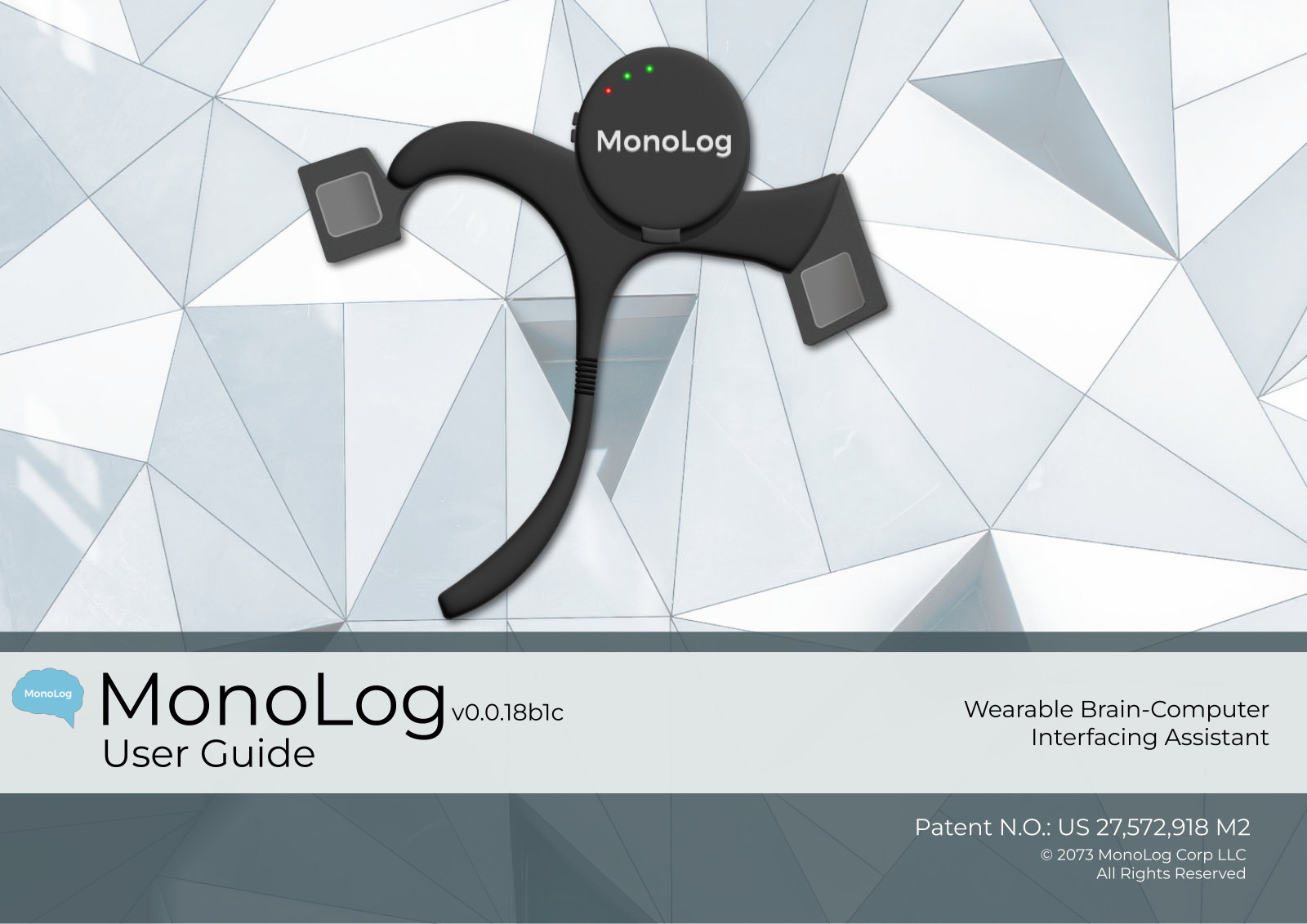
MonoLog User Guide
Wearable Brain-Computer Interfacing Assistant. v0.0.18b1c. Patent N.O.: US 27,572,918 M2. © 2073 MonoLog Corp LLC. All Rights Reserved.
Introduction
Our Mission
Here at MonoLog we work to revolutionize the way people interact with technology and enhance their everyday lives through our groundbreaking earphone device assistant. Our innovative technology will allow seamless communication between humans and machines, enabling individuals to access information and perform tasks with ease and efficiency.
By utilizing cutting-edge neuroscience and artificial intelligence, we have created a device that speaks directly to people’s inner monologue, providing an unparalleled level of convenience and accessibility. Our earphone assistant will offer personalized recommendations and insights, helping users to stay connected, informed, and engaged in their daily lives. We are committed to creating a safer, more convenient, and more connected world. Striving to be at the forefront of technological innovation, we constantly push the boundaries of what is possible to deliver products and services that enhance the lives of our customers.
Anatomy, Installation, Charging, and Powering
Anatomy
Do not wear the MonoLog for more than 2 hours at a time. If you experience headaches, dizziness, or other discomfort while using the MonoLog device, please discontinue use and consult a medical professional.
Installation
Installing the MonoLog device on the side of your head is a simple and straightforward process. The device is designed to fit comfortably and securely, ensuring a stable connection between the device and your brain for optimal performance.
- Bring to ear
- Place on ear
- Adjust bar
Press button to activate.
Charging
The carrying case provided also serves as the MonoLog’s charger.
To charge the MonoLog:
- Insert the MonoLog into its charging case.
- Connect the case to a power source using the provided charging cable and power brick.
- Wait for the device to fully charge. The charging time may vary depending on the battery level of the device, but it typically takes around 1-2 hours to fully charge the device.
- Once the device is fully charged, the indicator light on the side of the device will blink green.
Powering
To power on the device:
- Place device above the ear as instructed in page 4
- Press and hold the power button
- Release the power button when you hear the MonoLog say “Ready!”
Basic Functionalities and Sound Controls
Basic Functionalities
The MonoLog device is designed to allow users to ask any sort of question directly in their brain and receive immediate answers.
Begin the question with “MonoLog” to cue in the MonoLog to respond. All other thoughts will not trigger a response.
Try thinking a question! “MonoLog, what kinds of questions can you answer?”
“MonoLog, what are the directions to the closest grocery store?”
“MonoLog, remind me to add cheese, milk, and eggs to the grocery list!”
“MonoLog, what are the groceries I needed to get?”
Users can customize their MonoLog to suit their preferences, including setting EQ settings and choosing from different sound profiles.
MonoLog can also integrate with popular smart assistants, allowing users to control their device with their preferred voice assistant and access features like calendar reminders and weather updates (see “Connecting to your phone,” p. 9).
The MonoLog may monitor and record certain user data, including user queries and thoughts for quality control and analysis purposes. By using the MonoLog, the user consents to the collection and transmission of this data, for the improvement of the device’s functionality and performance.
Sound Controls
Volume
To adjust the volume, slide the volume wheel on the side of the device to adjust the volume up and down accordingly.
You can also ask the MonoLog to adjust the volume. “Hey MonoLog, can you set the volume to 55%?”
Noise Cancellation
MonoLog’s proprietary noise-cancelling technology allows you to fully filter out sounds you don’t want.
“MonoLog, give me total silence.”
“Hey MonoLog, can you cancel out the noise of the speaker in front of me?”
Practical use cases include focusing on office work, meditating, and ignoring distracting and invasive sounds.
Pairing Your Phone, and MonoLog and Your Phone
Pairing Your Phone
Connecting to your phone:
- Ensure your phone’s Bluetooth is turned on
- Press and hold the button on the side of the MonoLog until the red LED light flashes, indicating that it is in pairing mode
- On your phone, search for available Bluetooth devices and select “MonoLog” from the list of available devices
- Wait for the phone to establish a connection with the MonoLog. Once connected, you will hear the voice prompt “Connected to your phone” once the connection is established
MonoLog and Your Phone
Phone Calls
To call a contact, think “MonoLog, call [contact name]”. “MonoLog, call Joseph”
To pick up an incoming call, think “MonoLog, pick up the phone”.
To end a call, think “MonoLog, end call”.
Speak normally as you would with a regular phone call. Talking both out loud and internally is supported.
Texting
To send a text, think “MonoLog, text [contact name] [message]!” “MonoLog, text Joseph ‘you still haven’t paid me back for that dinner.’”
Browsing the Internet
To search a query, think “MonoLog, search [search query]”.* “MonoLog, search ‘what is the height of Mount Everest in feet?’” “MonoLog, search ‘what are the three components of attitude in social psychology?’”
*This option is only available for MonoLog-partnered internet service providers and cellular providers. If your ISP is not partnered with MonoLog, visit https://www.monolog.com/real-change/ to encourage your ISP to register for a partnership.
Care Instructions and Troubleshooting
Care Instructions
- Do not attempt to disassemble or modify the MonoLog device. Doing so may cause damage and void the warranty.
- Keep the MonoLog device clean and dry. Use a dry cloth to wipe the device and ear tips after use to remove any debris, sweat or earwax.
- Avoid exposing the MonoLog device to extreme temperatures, high humidity, or water. Do not wear the device while swimming, bathing, or showering.
- Store the MonoLog device in the provided charging case when not in use. This will help protect the device from scratches, dust, and damage.
- Use only the provided charging cable and adapter to charge the MonoLog device. Using unauthorized chargers or cables may cause damage to the device.
- If the MonoLog device is not functioning properly, stop using it immediately and contact customer support for assistance.
Troubleshooting
Q: Why is my MonoLog device not connecting to my phone?
A: There may be several reasons why the MonoLog device is not connecting to your phone
- Is your phone's Bluetooth turned on
- Is the MonoLog device properly charged and turned on
- Is the MonoLog close enough to your phone
- Is the MonoLog device already connected to another device
- Did you restart your phone and the MonoLog
- Is your phone manufacturer partnered with MonoLog?*
Q: Why is the sound quality on my MonoLog device poor?
A: Poor sound quality may be caused by several factors
- Is the earphone device properly inserted in your ear
- Is the MonoLog close enough to your phone
- Is your volume properly adjusted on the MonoLog device or your phone
- Does your MonoLog have any debris or earwax
- Are the sound settings on your phone configured correctly?
Q: My MonoLog keeps picking up commands that I did not anticipate.
A: The MonoLog is only capable of retrieving commands that you think to it.** If you have issues with the MonoLog improperly sending commands, try meditating to clear your mind.
* If your phone manufacturer is not partnered with MonoLog, visit https://www.monolog.com/real-change/ to encourage them to register for a partnership.
** MonoLog Corp is not responsible for any consequences that emerge from unintended thoughts given to MonoLog by the user. These thoughts are the sole responsibility of the user to use in a responsible manner.
Q: Why is my MonoLog device not charging?
A: There may be several reasons why the MonoLog device is not charging
- Ensure that the charging case is properly connected to a power source
- Ensure that the MonoLog device is properly seated in the charging case
- Check the charging cable and make sure it is not damaged or defective
- Clean the charging contacts on the MonoLog device and the charging case with a dry cloth to remove any debris or dirt
- Try using a different charging cable or power source
- You are using an unsupported third-party charger. Using third-party accessories increases the risk of adverse neural responses and will void your warranty.
Q: Why is the MonoLog device not turning on?
A: If the MonoLog device is not turning on, try:
- Ensure that the device is properly charged. If the battery is low, charge it using the charging case
- Check that the device is properly seated in the charging case and the charging contacts are clean
- Try resetting the device by pressing and holding the button on the side of the device for at least 10 seconds
- If none of the above steps work, the device may be defective and require repair or replacement
- You are using an unsupported third-party peripheral. Using third-party accessories increases the risk of adverse neural responses and will void your warranty.
Warnings
- The MonoLog device is intended for use by individuals 18 years or older. Use by children under 18 years of age is not recommended.
- The MonoLog device may collect and transmit personal data and information, such as voice commands and location data, to third-party servers. Users should review and understand the device's privacy policy before use.
- Prolonged use of the MonoLog device may cause headaches, dizziness, or discomfort. If you experience any discomfort, remove the device and consult a physician.
- The MonoLog device is not waterproof and should not be submerged in water or exposed to high humidity.
- Do not use the MonoLog device if you have a pacemaker or other implanted medical device, as the device's electronics may interfere with the function of these devices.
- The MonoLog device is not a medical device and is not intended to diagnose, treat, cure, or prevent any disease or medical condition.
- Use of the MonoLog device is at your own risk. The manufacturer and its affiliates are not responsible for any damages, injuries, or loss that may result from the use of the device.
By acknowledging these warning statements, users can ensure they are using the MonoLog device safely and responsibly.